General
Rename your organization and transfer ownership to another member.
Your organization's identity and ownership live under Organization → General.
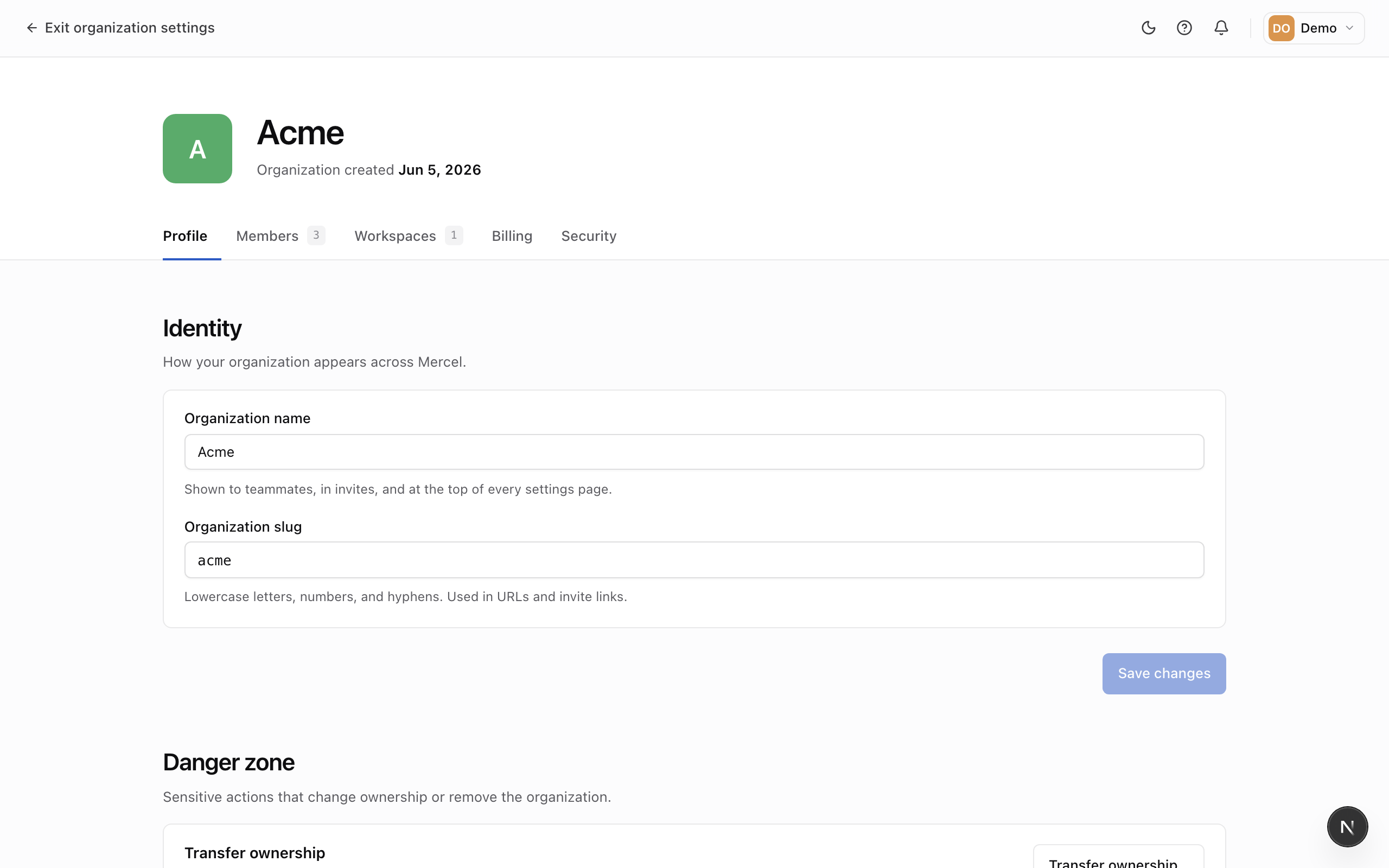
Rename your organization
Update the organization's name in the identity card and save. The URL-friendly identifier was set when the organization was created.
Transfer ownership
Each organization has exactly one owner. If you're handing the organization to someone else — or stepping away — transfer ownership to another member from the Danger Zone.
- In the Danger Zone, click Transfer ownership.
- Choose the member who will become the new owner. They must already be an admin in the organization.
- Type the organization name to confirm, then transfer.
Only the current owner can transfer ownership. After the transfer you become an admin, and the new owner takes over full control — including the ability to transfer it again. Do this before deleting your account if you own an organization.