Creating and switching workspaces
Add new workspaces to your organization and move between them.
A workspace is a commerce container inside your organization. Your first workspace is created with your organization; you can add more at any time.
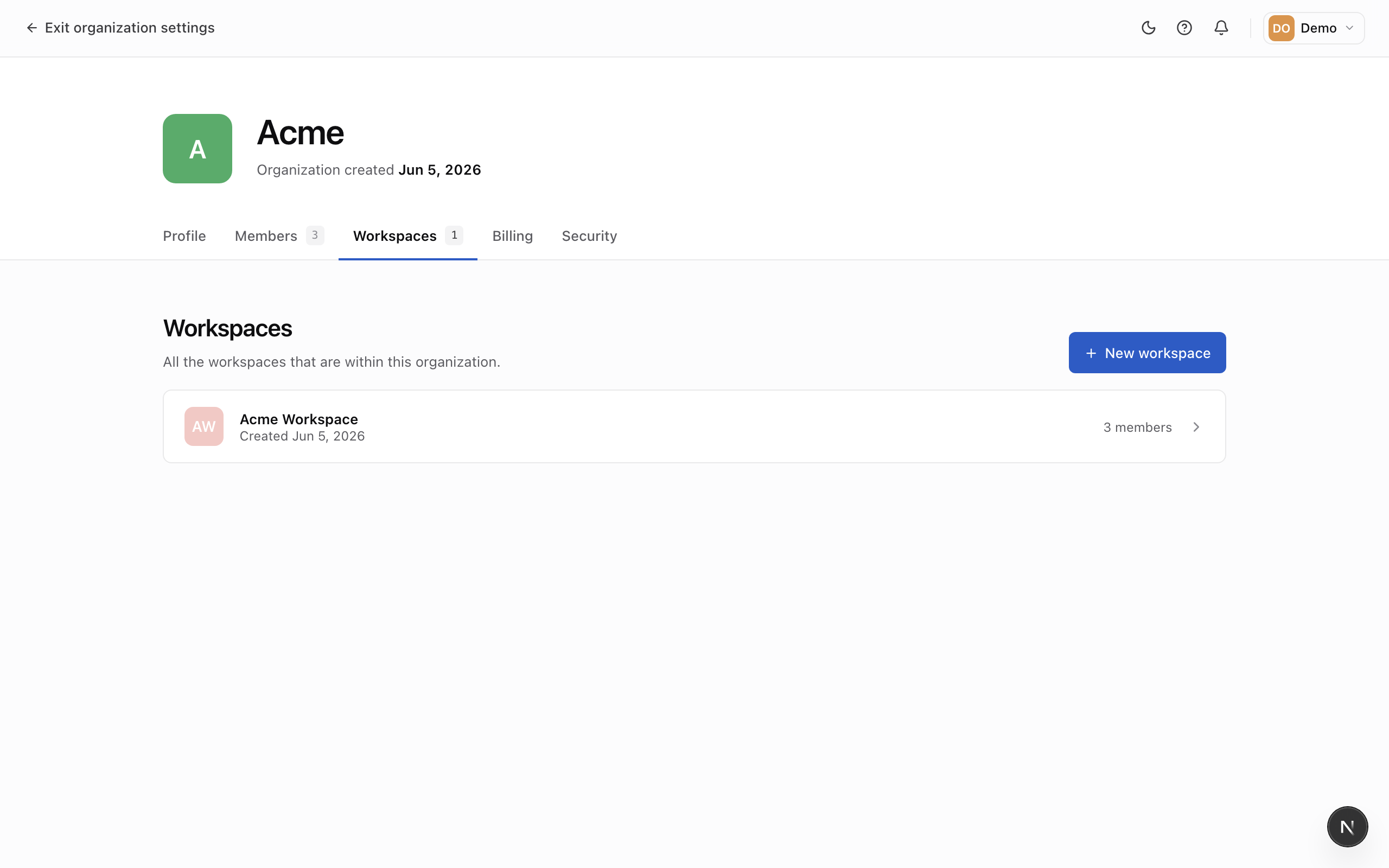
Create a workspace
- Go to Organization → Workspaces.
- Click Create workspace.
- Enter a workspace name. Mercel generates a URL-friendly identifier from it and checks that it's available.
The new workspace starts empty, with you as its first member. From there, configure its settings and add your team.
Switch between workspaces
When your organization has more than one workspace, use the workspace switcher to choose which one you're working in. Mercel returns you to your most recent workspace next time you sign in.