Workspace settings
Set a workspace's name and logo.
Each workspace has its own settings, separate from the organization and from your other workspaces. Open them from the workspace's Settings → General.
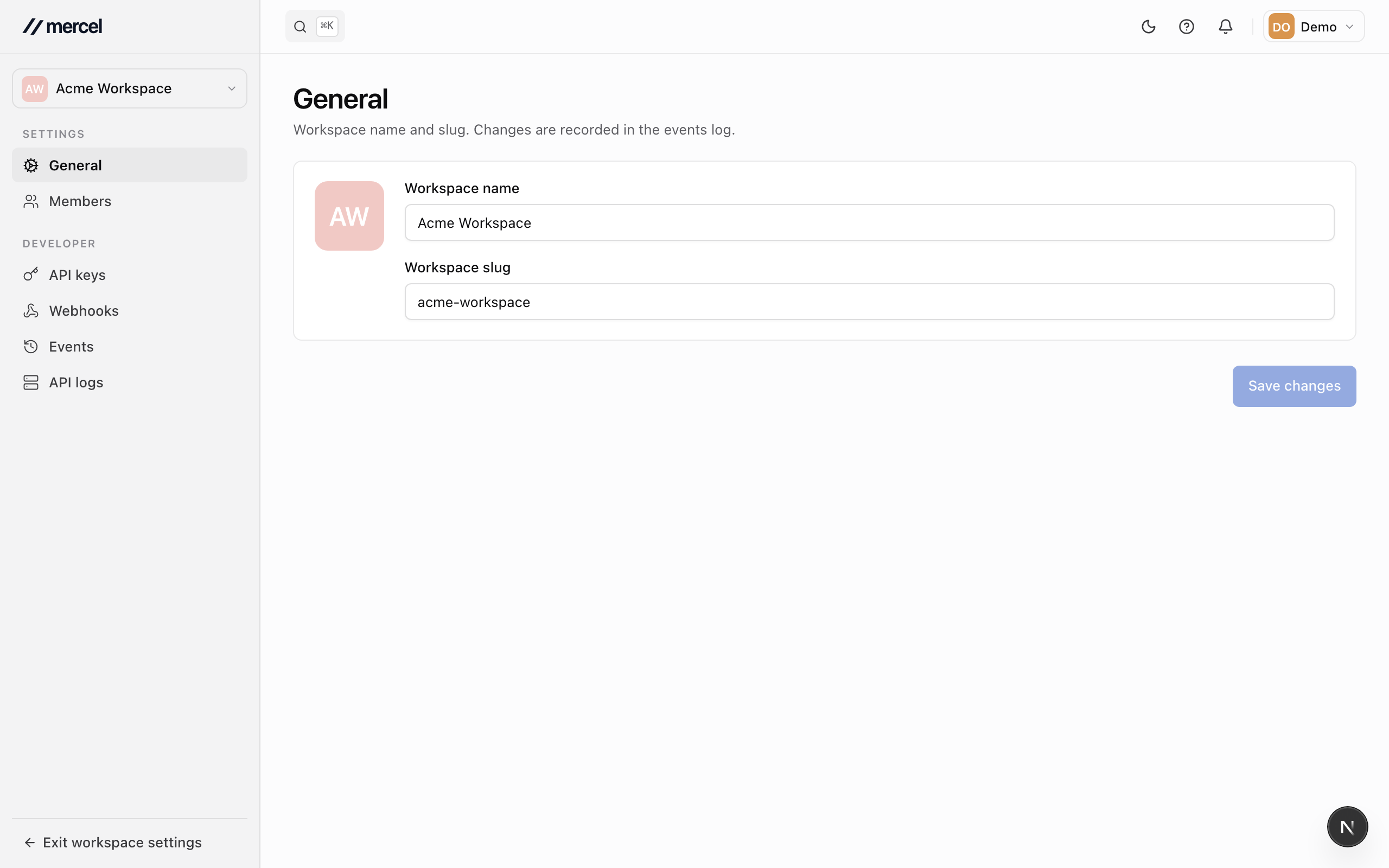
Rename a workspace and set its logo
- Update the workspace name.
- Upload a logo to brand the workspace.
- Save your changes.
The workspace's URL-friendly identifier is set when the workspace is created and stays fixed, so links to it keep working.