Developer settings
Manage a workspace's API keys, webhooks, event history, and API request logs.
A workspace's Settings → Developer section is where you connect the workspace to your own systems: server API keys, outbound webhooks, and the logs that show what's happening over the API.
The Developer section is only visible to members with developer access in the workspace. For documentation on building against the API itself, see the Developer docs.
API keys
Workspace API keys let your servers call the Mercel API scoped to this one workspace. Unlike a personal token, a workspace key isn't tied to a person, so it keeps working as your team changes.
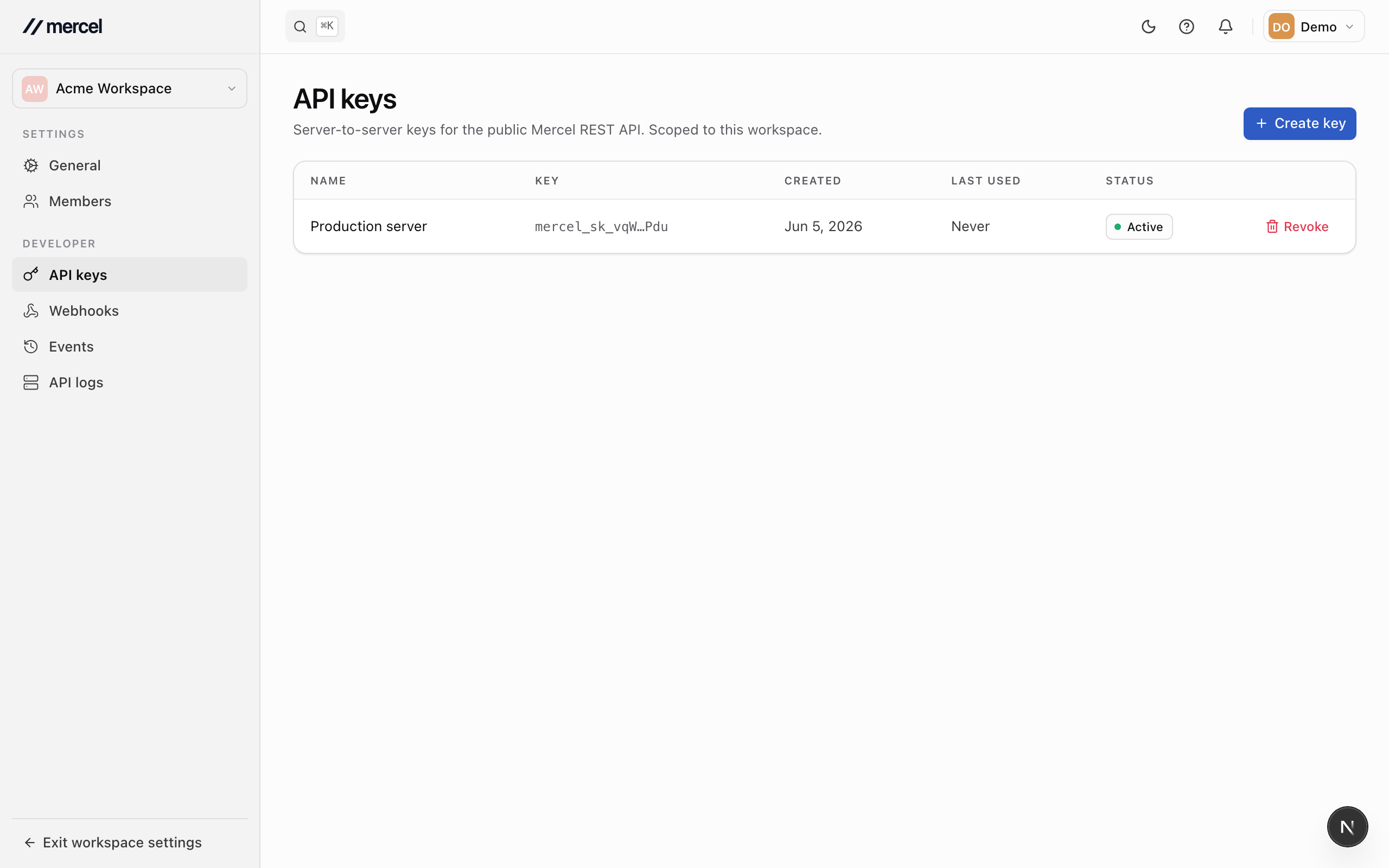
- Click Create key and give it a descriptive name.
- Copy the key and store it somewhere safe — it's shown in full only once.
Revoke a key from its row to cut off access immediately. Rotate to a replacement first if a live integration is using it.
Webhooks
Webhooks push events to a URL you control, so your systems react in real time instead of polling. Endpoints are managed from Developer → Webhooks.
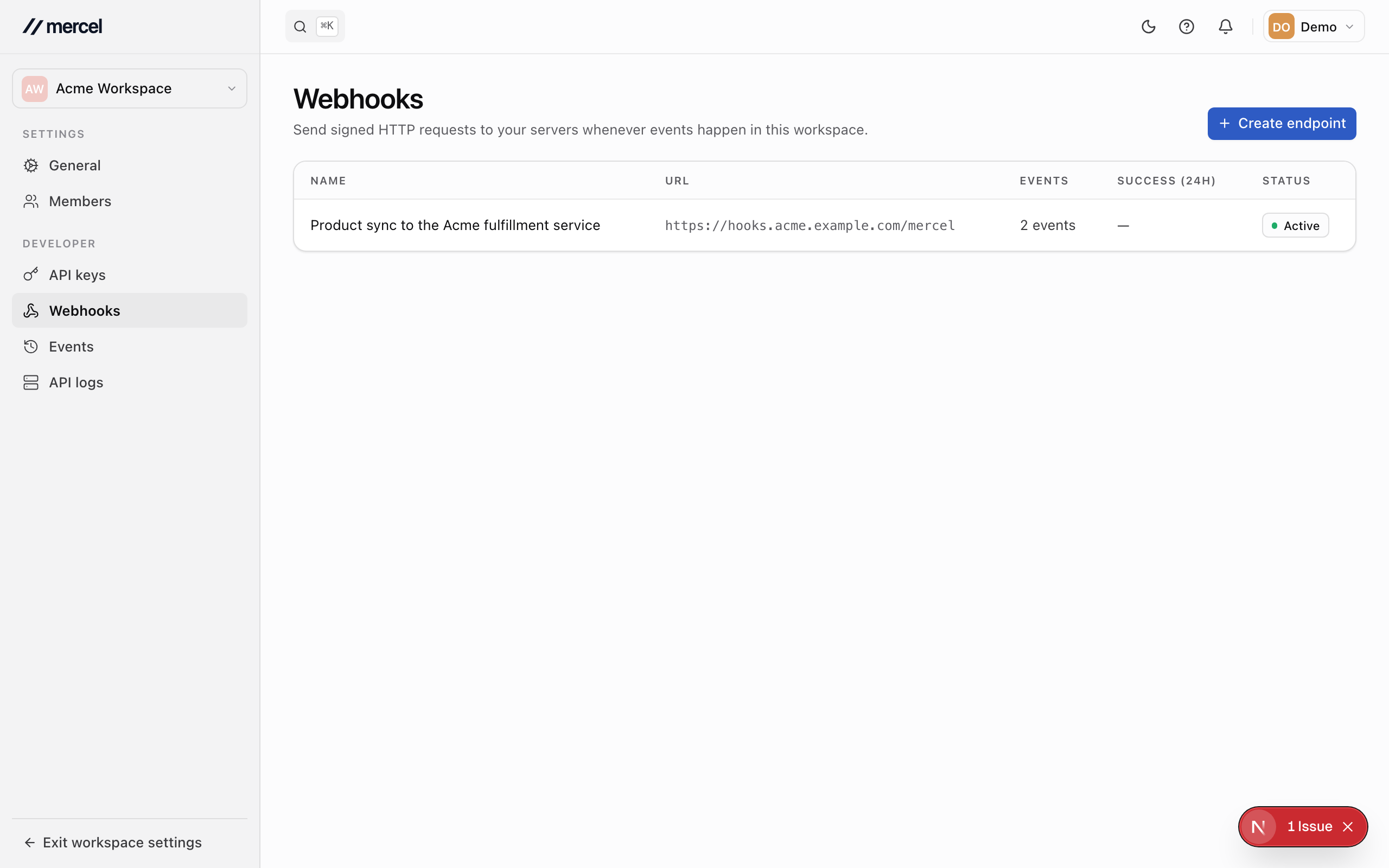
Add an endpoint
- Click Add endpoint.
- Enter the URL Mercel should send events to.
- Select the events to subscribe to.
- Save. Mercel issues a signing secret — use it to verify that deliveries really came from Mercel.
Inspect and replay deliveries
Open an endpoint to see every delivery, its status, and the exact request and response. From here you can:
- Replay a delivery to send it again.
- Pause or edit the endpoint, or change which events it receives.
If an endpoint fails repeatedly, Mercel disables it automatically and notifies members with developer access. Fix the destination, then re-enable it.
Events
The Events page is an audit log of everything that has happened in the workspace — products created, settings changed, keys issued, and more. It's the source of truth for "what happened, when, and who did it."
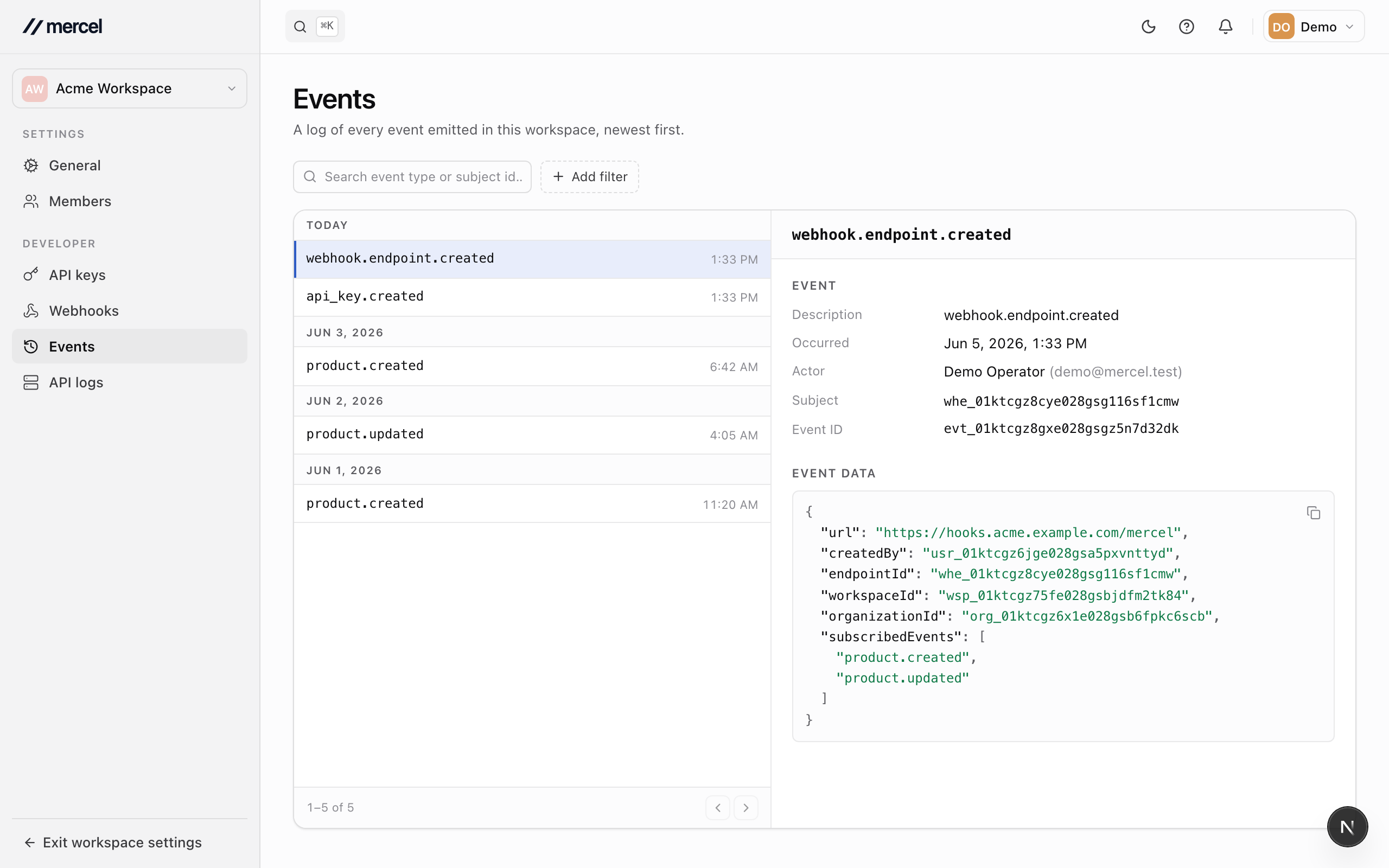
Filter by date, actor, or event type to narrow the list, and open any event to see its full details, including who triggered it and the data payload.
API logs
The API logs page records the requests your integrations make to the Mercel API for this workspace — the method, path, response status, and how long each took. Filter by date, method, or status, and open a request to see its details. It's the first place to look when an integration isn't behaving as expected.