Workspace team
Add members to a workspace and set their workspace role.
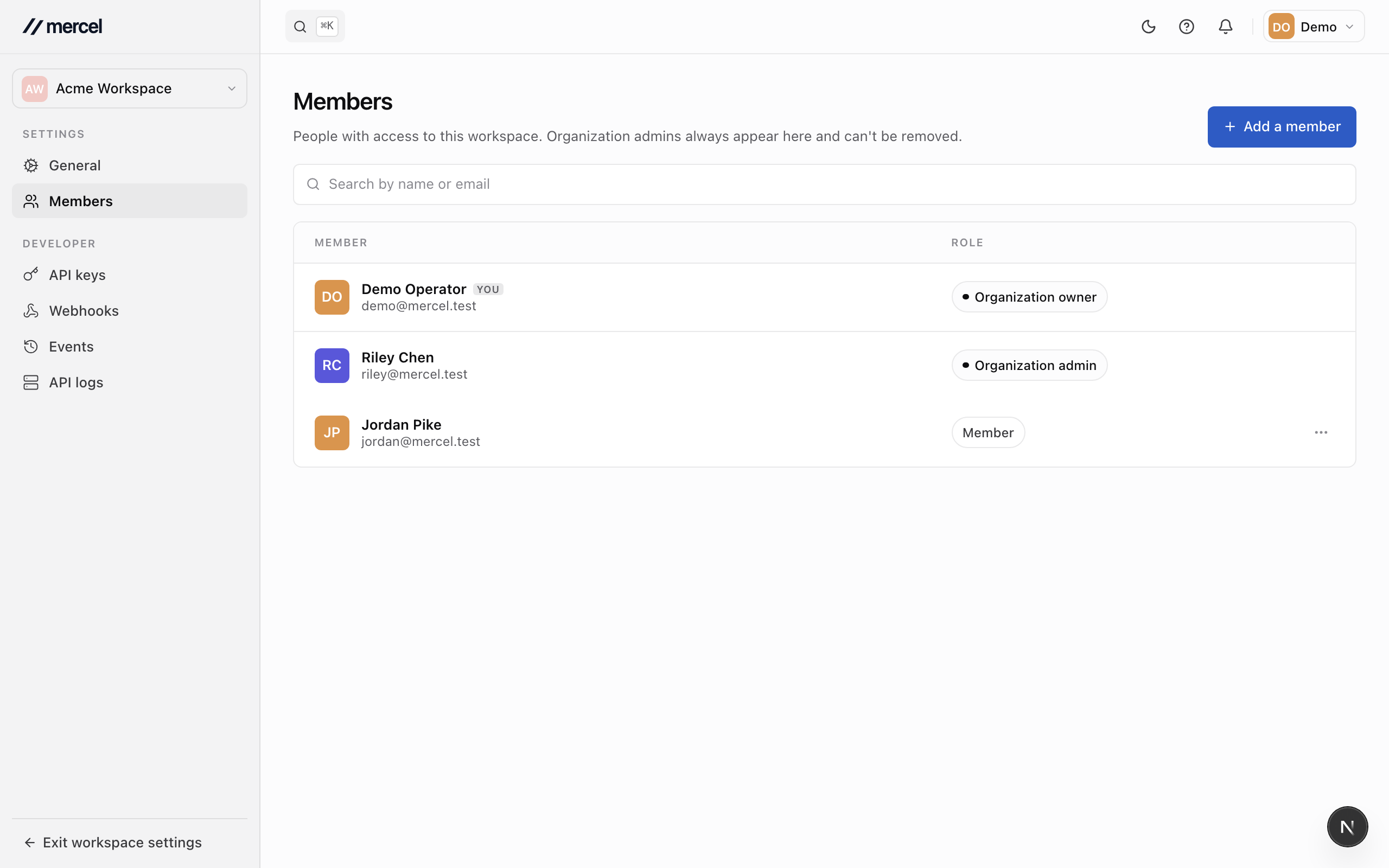
Each workspace has its own team, managed from the workspace's Settings → Members. Workspace membership is separate from the organization role — someone can have broad organization access but a focused role in a single workspace.
Add someone to the workspace
- Enter the teammate's email and choose a workspace role — Admin or Member.
- Send the invitation.
They must be (or become) a member of the organization to join the workspace.
Change a role or remove access
From a member's row, change their workspace role or remove them from the workspace. Removing someone from a workspace leaves their organization membership intact — they just lose access to this workspace.