Personal tokens
Create and revoke personal access tokens that act on your behalf against the Mercel API.
Personal access tokens let command-line tools and scripts call the Mercel API as you, with your access. They live under Account → Personal tokens.
Personal tokens act on your behalf across the organizations you belong to. For server-to-server integrations scoped to a single workspace, use a workspace API key instead.
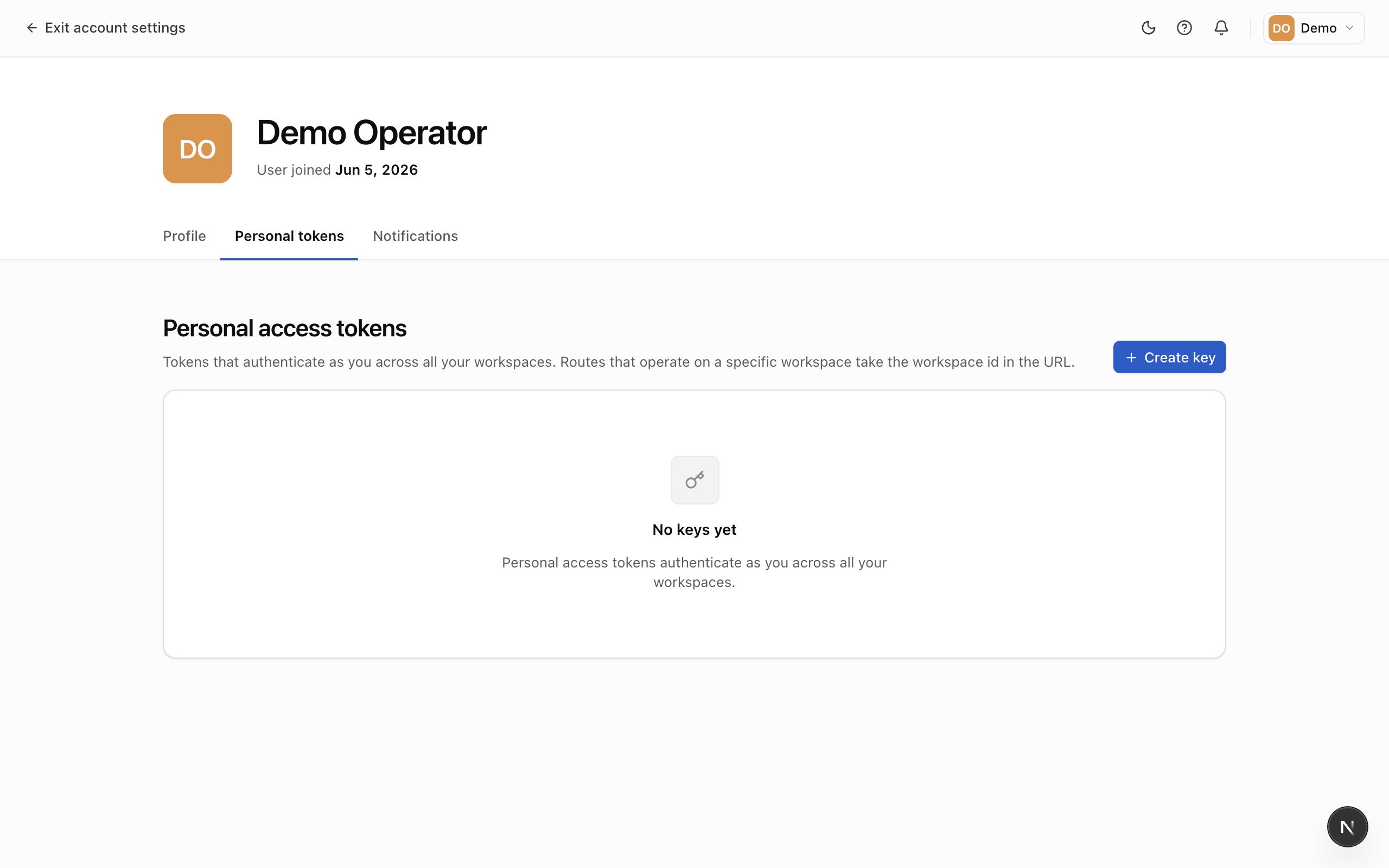
Create a token
- Click Create token.
- Give it a descriptive name so you'll recognize where it's used.
- Copy the token and store it somewhere safe.
The full token is shown only once. If you lose it, revoke it and create a new one.
Revoke a token
Find the token in the list and click Revoke. Any tool using it stops working immediately, so rotate to a new token first if it's still in use.