Notifications
Choose which notifications you receive and on which channels, per workspace.
Manage how Mercel reaches you under Account → Notifications. Preferences are personal — they only affect your own notifications.
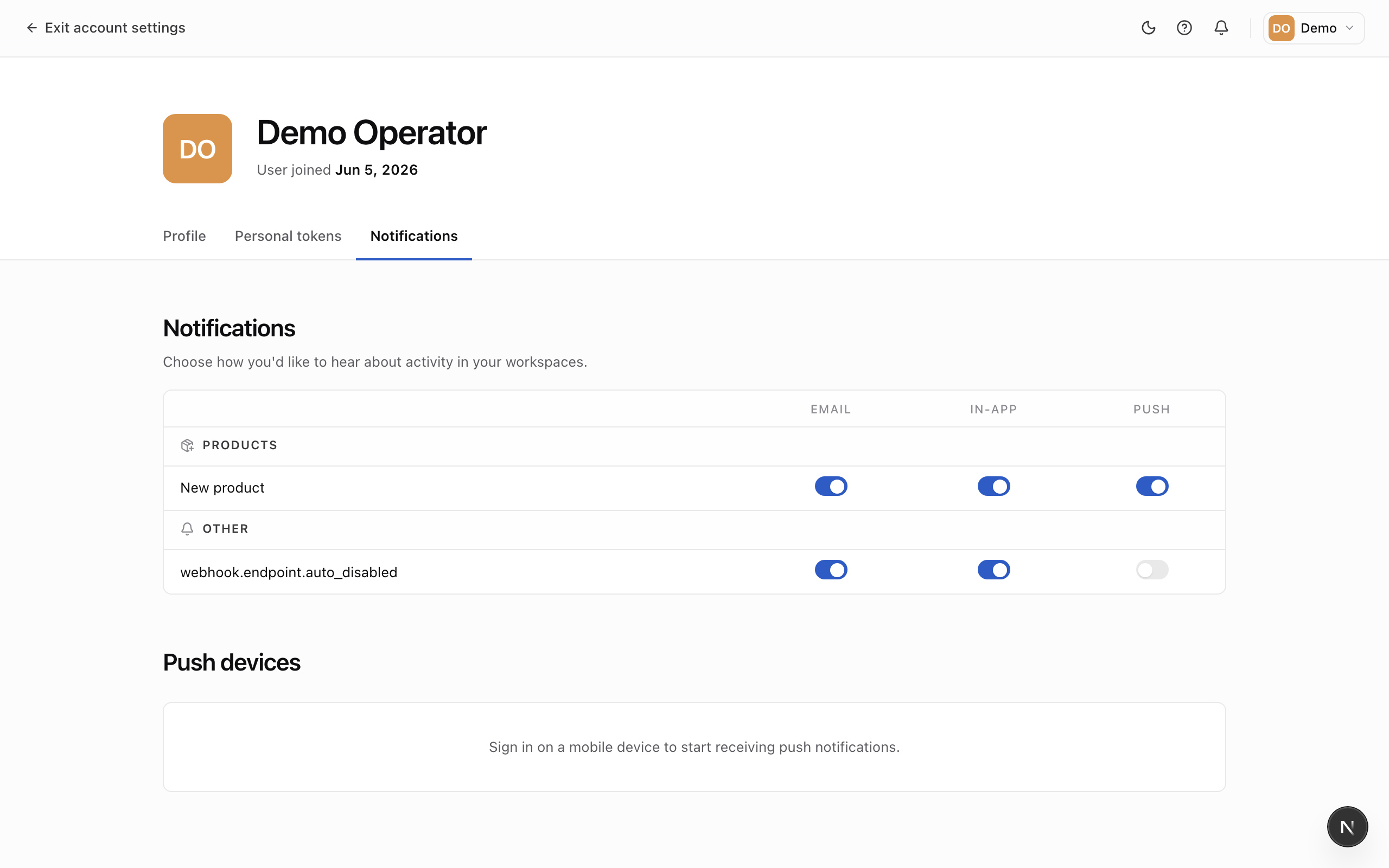
Choose your notifications
Each notification type has a row, with a toggle per channel:
- Email — sent to your account email.
- In-app — shown in the notification bell inside the admin.
- Push — delivered to your registered mobile devices.
Toggle any combination on or off. Preferences are set per workspace, so you can stay closely looped in on one workspace and quiet on another.
Manage push devices
The Push devices card lists the mobile devices registered to receive push notifications. Remove a device to stop sending push notifications to it — for example, a phone you no longer use.